
BGaming Mobile Games: Browser Compatibility and What Mobile Means
 Available in US
BGaming has mobile-compatible game content, but that does not mean BGaming operates a player-facing casino app. BGaming is a B2B game provider. Its current integration material says its game launches support desktop and mobile compatibility, while its catalogue includes mobile-oriented signals such as a Portrait Mode filter. Those facts describe how BGaming content can be delivered through operator or platform integrations, not a BGaming account, wallet, deposit service or Australian real-money mobile casino.
For an Australian reader, the useful question is therefore not “Which BGaming casino app should I install?” It is “How does BGaming design and deliver game content across screen sizes, and what can I inspect at provider level?” The answer sits in the catalogue, individual game pages, demo environment and B2B integration layer.
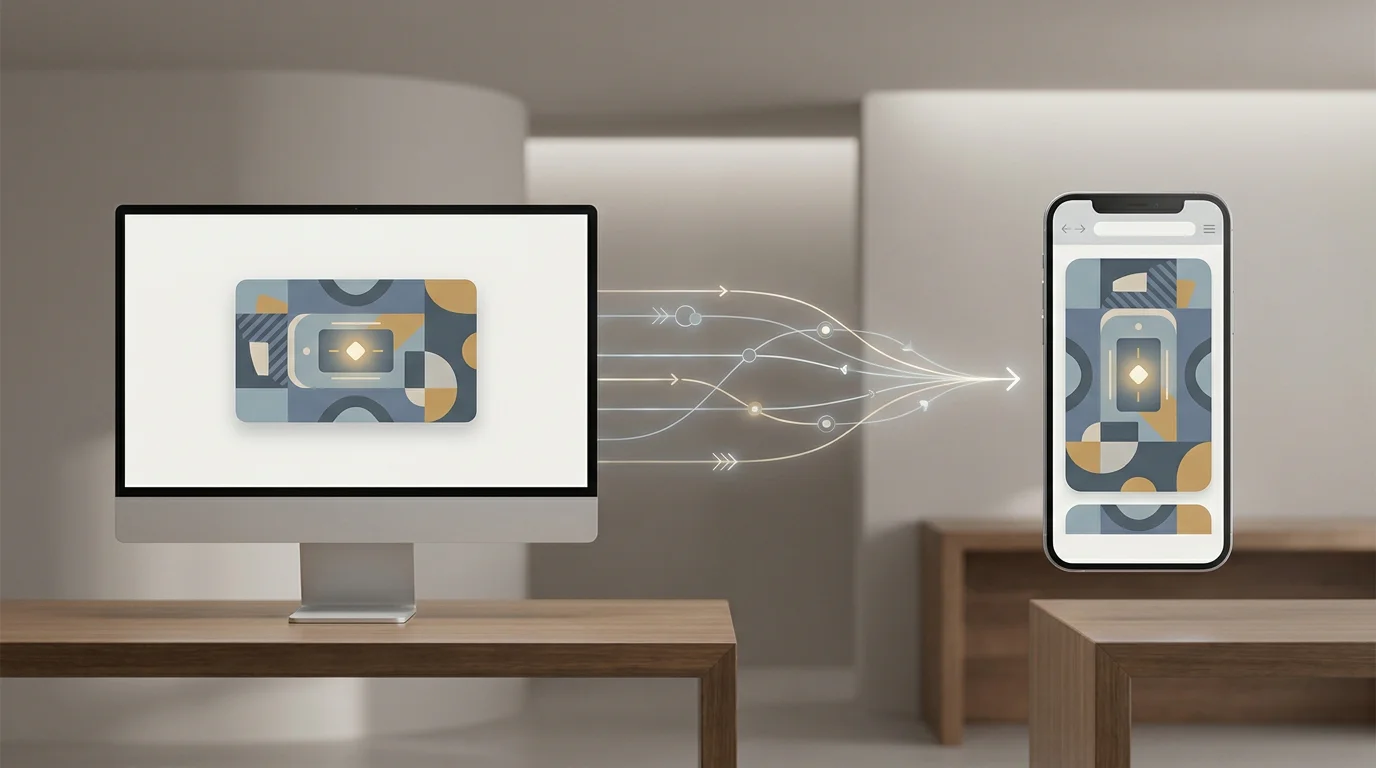
Mobile compatibility is a delivery feature, not a casino app
BGaming’s current API integration page describes a single B2B connection through which operators can launch games, synchronise game activity and handle reporting. One of the listed technical features is reliable desktop and mobile compatibility for game launches and session tracking. In plain English, the same provider integration can serve BGaming game content to supported desktop and mobile environments.
That is a different product layer from a consumer casino application. A casino app normally combines many operator functions: account login, balances, deposits, withdrawals, bonuses, notifications, responsible gambling controls and access to games from multiple studios. Those are operator-side services. BGaming’s role here is supplying the games and integration technology.
| Question | BGaming provider layer | Operator layer |
|---|---|---|
| Who supplies the game content? | BGaming develops and supplies its own titles. | The operator chooses which integrated titles to make available. |
| Can games launch on mobile? | BGaming’s B2B integration states desktop and mobile compatibility. | The operator controls its own site or app experience around the game. |
| Who runs player accounts? | BGaming does not run consumer gambling accounts through its own website. | Account functions belong to the operator, where applicable. |
| Who handles deposits and withdrawals? | Not a BGaming player-facing function. | Operator-side function, subject to the operator and applicable law. |
What the current BGaming catalogue shows about mobile design
The official BGaming games catalogue is useful because it exposes product metadata rather than app-store marketing. Its current feature filters include Portrait Mode alongside other game characteristics. That gives readers a provider-level way to identify titles designed with a tall-screen orientation or a mobile-friendly presentation in mind.
Portrait mode matters because a phone is usually held vertically. A game designed around that shape can reduce the need to rotate the device and can keep the main controls, reels or play field within a compact visual area. It does not prove that every title uses the same layout, and it does not turn a browser game into a native app. It is simply a current catalogue characteristic that helps explain BGaming’s mobile design approach.
Individual game pages can add more detail. BGaming’s recent product pages regularly state when a title is designed for or compatible with both mobile and desktop. Those statements are title-specific evidence. The strongest way to evaluate a particular game is to check its current page rather than assume every interface behaves identically.
What “one API” means for a mobile user
API language is written for operators, but the consumer-facing consequence is straightforward. BGaming says its portfolio of more than 250 titles can be connected through one unified integration. The integration handles game launches and related data flows across devices. This means an operator or platform does not need a completely separate BGaming catalogue connection for every new title or every device category.
For a reader, that helps explain why the same provider’s games can appear within different third-party websites and interfaces. The surrounding lobby may change because the operator owns that layer, while the BGaming game is delivered through the provider integration. A mobile launch can therefore be part of an operator’s browser site or app without that surrounding product becoming a “BGaming app”.
The distinction is important when reading search results. A page that says “BGaming mobile casino” can blur the supplier and operator roles. The more accurate description is BGaming mobile-compatible game content delivered through B2B integrations.
Browser play, native apps and embedded game content are different things
Mobile gambling content can reach a screen in several technical ways. A game may launch inside a mobile browser, inside a web view embedded in an operator app, or through another supported operator interface. Those delivery routes are not interchangeable terms, and the provider’s device compatibility does not identify which route a particular operator uses.
- Mobile browser
- A website opens on a phone or tablet and launches the game through the browser-compatible integration.
- Operator app
- A third-party operator may wrap its own account, lobby and service functions in a native or hybrid app, then launch integrated provider games from inside it.
- BGaming demo
- The provider’s own site can present a free demo for evaluation without creating a real-money player relationship with BGaming.
Keeping these categories separate prevents an interface claim from turning into an account or availability claim. It also explains why an operator lobby should not be described as a BGaming-owned consumer interface unless the source actually establishes that ownership.
What you can inspect on a phone without a BGaming player account
The provider catalogue and demo environment can answer several mobile-design questions without requiring a casino account with BGaming. You can check whether the current catalogue lists Portrait Mode, open a supported demo, rotate the device where the demo allows it, compare how controls fit on a narrow screen and see whether the interface remains readable.
The BGaming demo games guide explains the boundary in more detail. BGaming’s own Terms define demos as informational and evaluation services rather than real-money gambling. That makes the provider demo useful for inspecting layout, mechanics, symbols, animation and basic interaction, but not for testing deposits, withdrawals, operator bonuses or account tools.
A practical mobile check can focus on five things: whether key controls remain visible, whether important game information is readable without excessive zooming, whether portrait or landscape orientation matches the title design, whether navigation remains understandable on touch input, and whether the demo performs consistently when the viewport changes.
Portrait mode is useful evidence, but not a quality score
It is tempting to treat a Portrait Mode tag as proof that one game is “better on mobile” than another. The catalogue does not support that conclusion. Portrait orientation is a design characteristic. A landscape game can still work well on a phone, and a portrait game can still vary in control size, information density, animation load and interaction style.
The more useful comparison is descriptive. Note the orientation, then observe the interface. If a title page specifically states that the game is designed for mobile and desktop, record that. If the current demo visibly adapts across screen sizes, that is another product observation. Avoid turning those observations into an invented provider-wide mobile score.
The same rule applies to screen size. A game that fills a phone display cleanly does not establish anything about the operator’s registration page, cashier or support tools. Those components sit outside the BGaming game itself.
Mobile compatibility does not establish Australian real-money availability
Device support and service legality are separate questions. BGaming can supply mobile-compatible content globally while Australian law separately regulates which interactive gambling services can be offered to customers in Australia. A technical statement that a game launches on mobile is not evidence that a real-money online casino service offering that game is lawful for Australian customers.
That is why this page does not provide offshore casino links, app download recommendations or instructions for opening a player account. Those would turn a provider-level mobile guide into an operator funnel and would answer a different question from the provider-level question this page addresses.
The broader BGaming provider model page explains the supplier chain in more detail. In short, BGaming supplies game content; operators and platforms control the consumer service around it.
How to evaluate a BGaming game on mobile
- Start with the current BGaming catalogue and locate the exact title.
- Check whether the catalogue shows a Portrait Mode feature or other relevant product label.
- Open the title page and read the current description for device-specific statements.
- If a provider demo is available, test the interface on the device orientation you actually want to inspect.
- Check control placement, text legibility, touch targets and whether key information remains visible.
- Separate game observations from the surrounding operator website or app.
- Do not infer deposits, withdrawals, account tools or legal availability from successful game launch compatibility.
This process keeps the evidence at the correct level. It also makes comparison easier because you can repeat the same checks across titles without pretending that a single mobile label describes the entire catalogue.
Common mobile misunderstandings
- “BGaming mobile” means there is a BGaming casino app
- No. The available provider information concerns B2B game delivery and title compatibility, not a BGaming-operated consumer casino app.
- A game that launches on a phone proves Australian availability
- No. Device compatibility is technical evidence, not legal or operator-access evidence.
- Portrait mode means the game is native to iOS or Android
- No. Portrait Mode is a product characteristic and does not identify a native app distribution model.
- An operator cashier visible near a BGaming game belongs to BGaming
- No. The cashier is part of the operator service unless evidence shows otherwise.
- Every BGaming title has identical mobile behaviour
- No. Check the current title page and demo because interface and orientation details can vary by game.
FAQ
Does BGaming have mobile games?
Yes. BGaming’s current B2B integration describes reliable desktop and mobile compatibility for game launches, and the official catalogue includes mobile-oriented product signals such as Portrait Mode.
Is there a BGaming casino app for Australian players?
This guide does not identify a BGaming-operated player-facing casino app. BGaming is a B2B game provider rather than a consumer casino operator.
Can I inspect BGaming games on a mobile device without a BGaming casino account?
Yes, where the provider makes a demo available. The demo is an evaluation environment and does not create a BGaming real-money player relationship.
Does Portrait Mode mean a game works only on phones?
No. It describes an orientation-focused feature, not an exclusive device restriction. Current title information should be checked for the specific game.
Does mobile compatibility make a real-money service legal in Australia?
No. Compatibility describes technical delivery. Australian service legality is a separate regulatory question.
Bottom line
BGaming mobile games are best understood as provider content designed to launch across supported desktop and mobile environments. The current B2B integration states desktop and mobile compatibility, while the catalogue exposes mobile-oriented features such as Portrait Mode. Neither fact creates a BGaming consumer app, account or wallet. For Australian readers, the accurate model is provider content first: inspect the title, catalogue metadata and demo, then keep operator services and legal access as separate questions.
For the wider site context, return to the BGaming Australia guide.
BGaming Games in Australia: Portfolio and Catalogue Guide
Content created by the «bgamingcasinoau.com» team